Free 3D space planner
Visualise your café, office or home in 3D
Start from a finished design or draw your own walls. Furnish it, repaint it and walk through it before you spend anything on the build.
Free · No sign-up · Runs in your browserOn a phone you can view the plan and walk through it. Editing needs a computer.
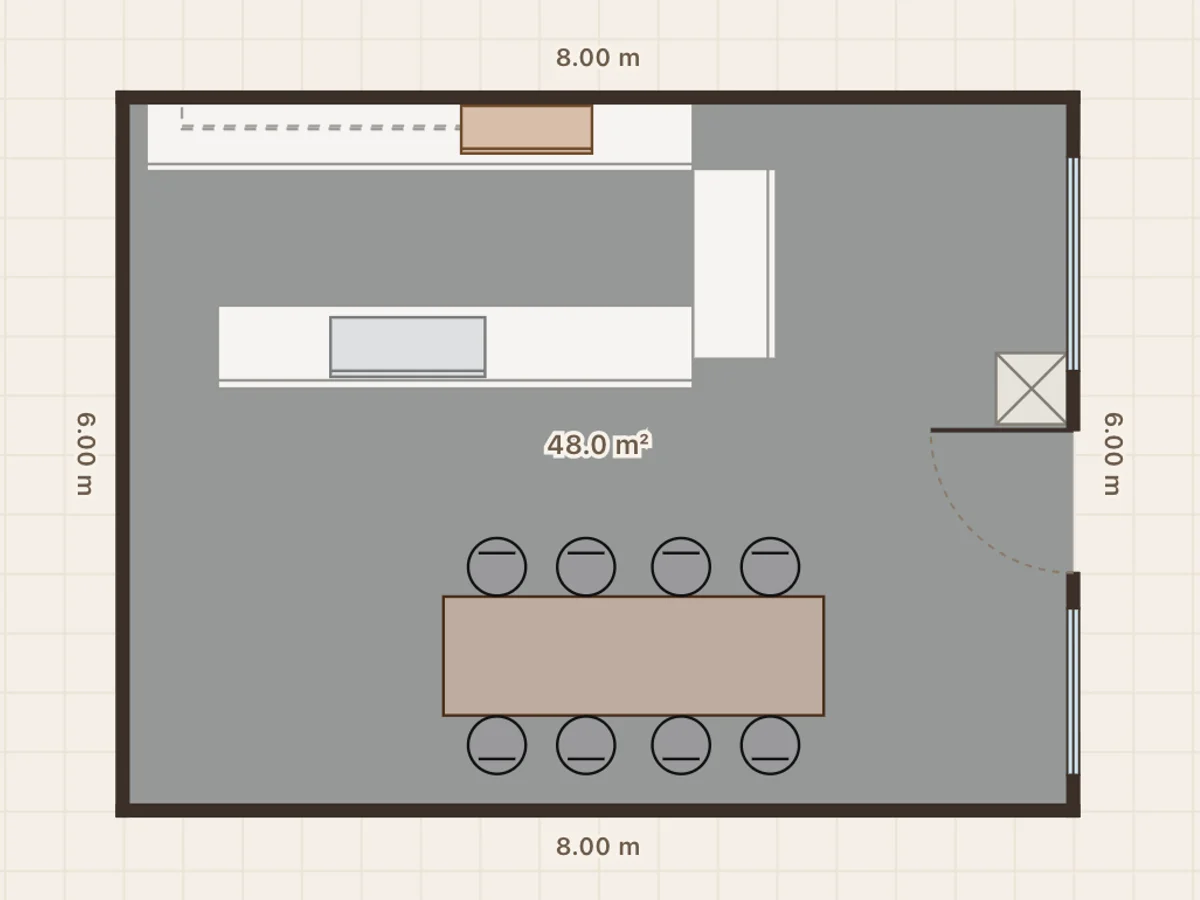
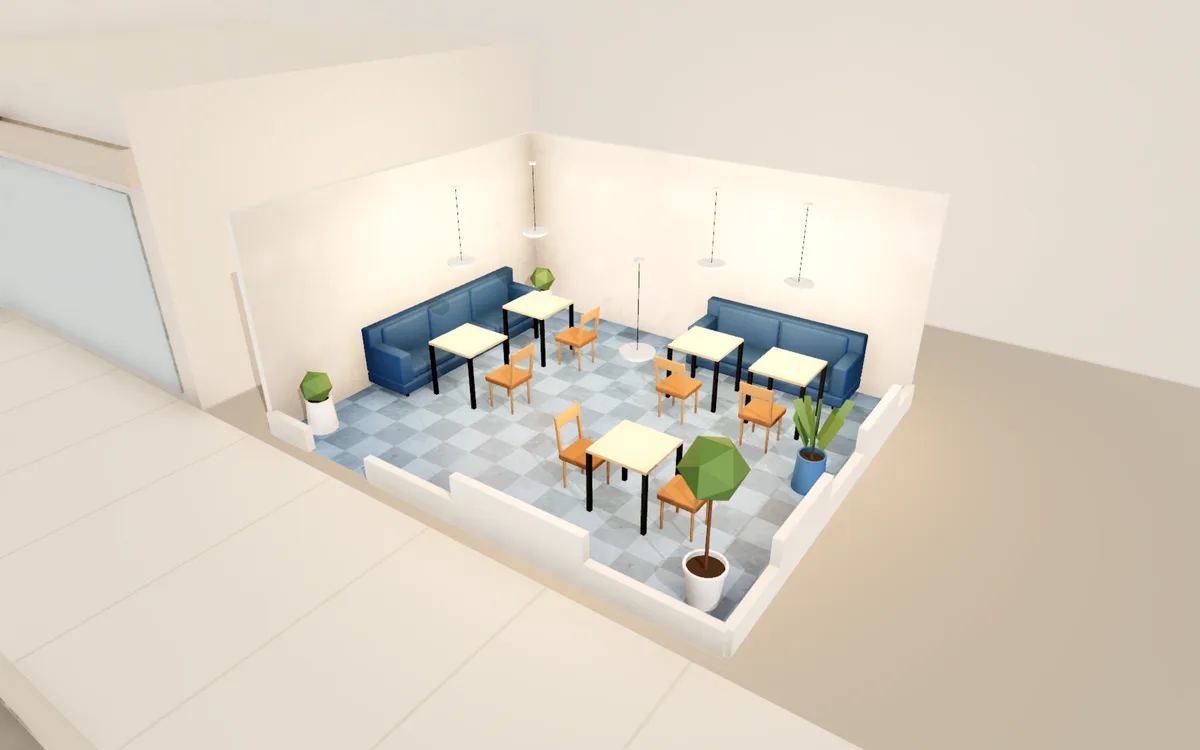
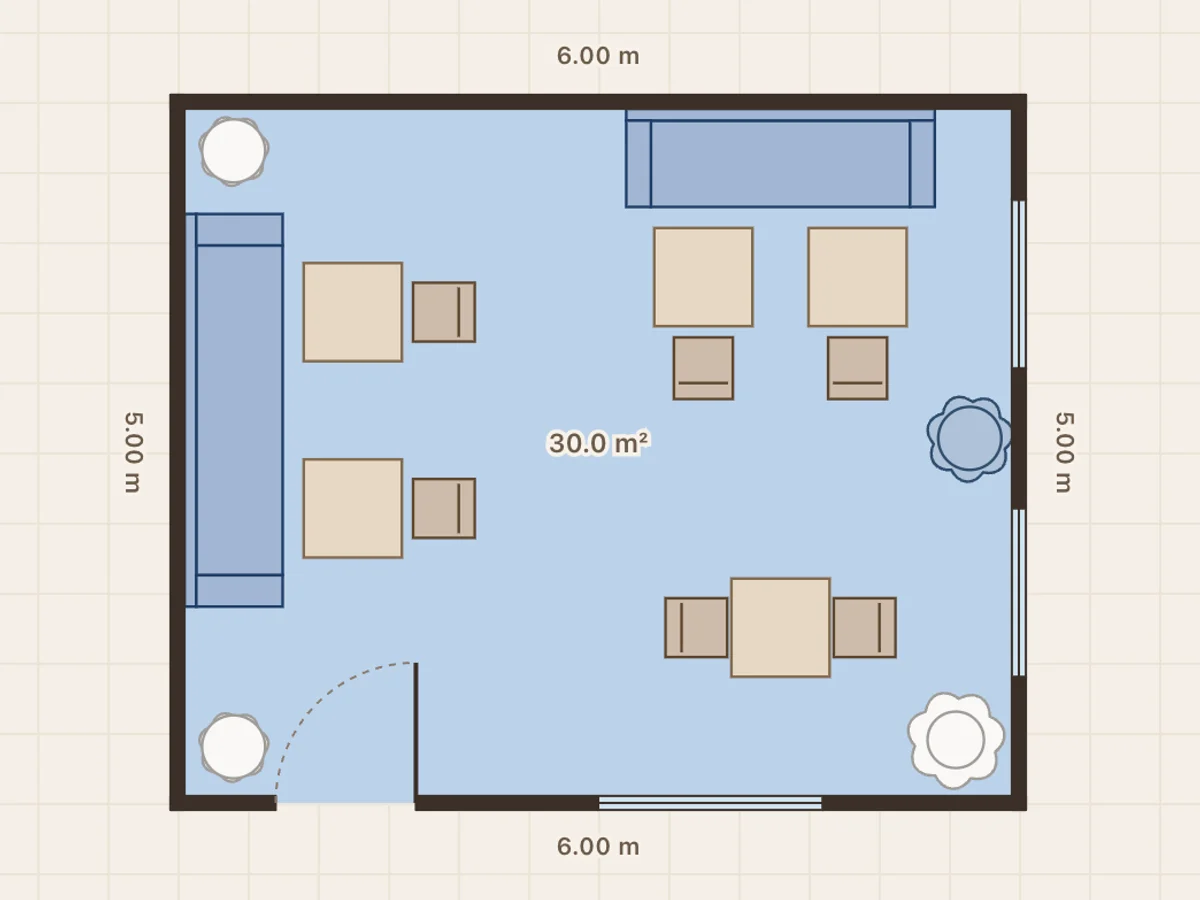
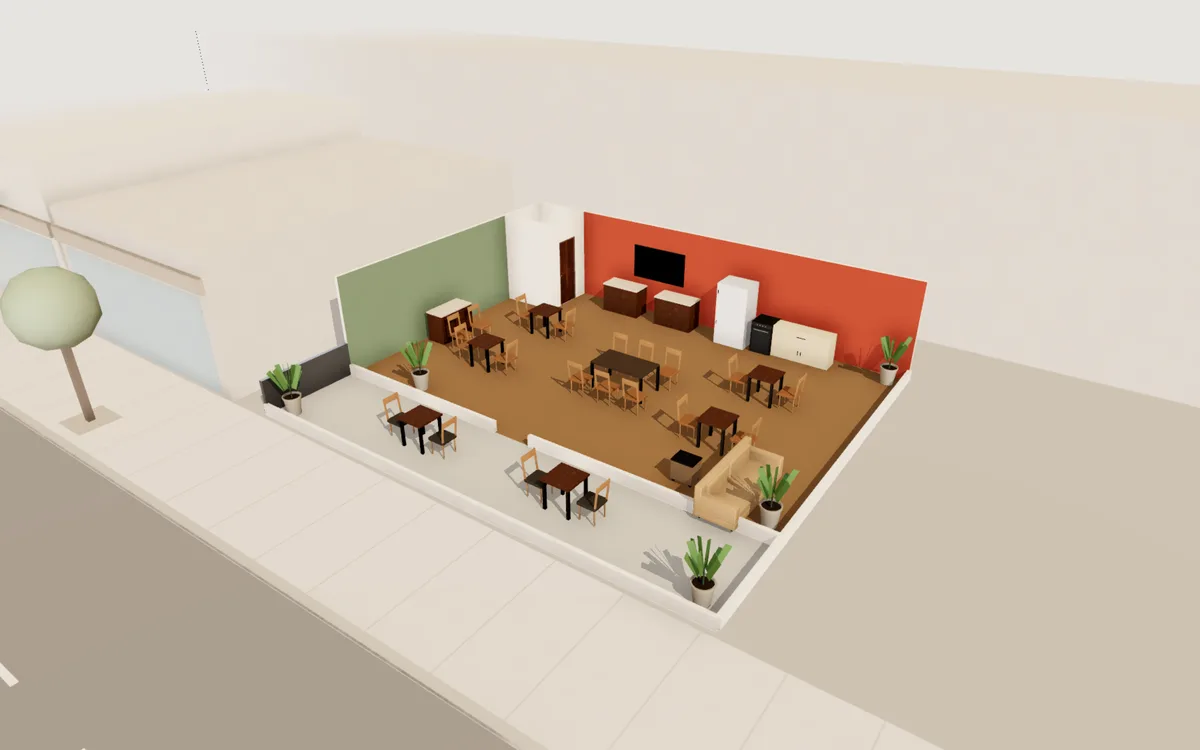
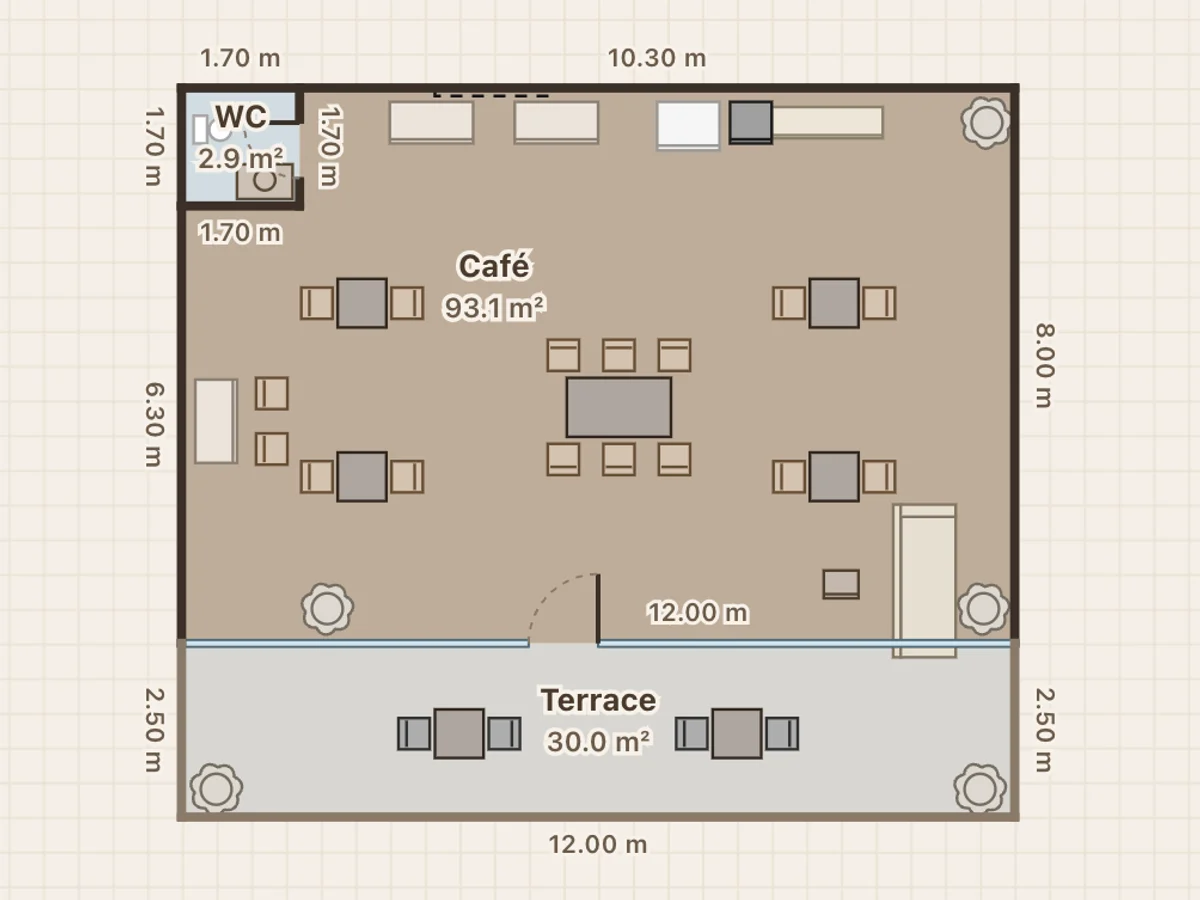
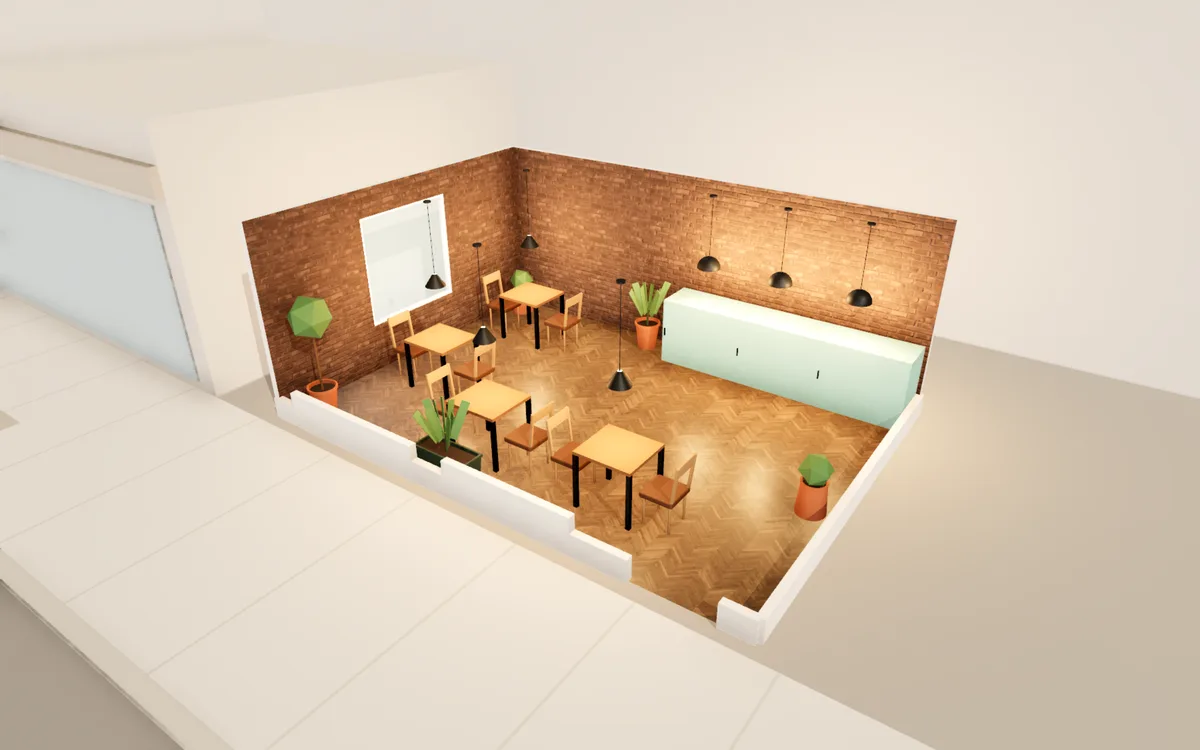 Café · Brick café
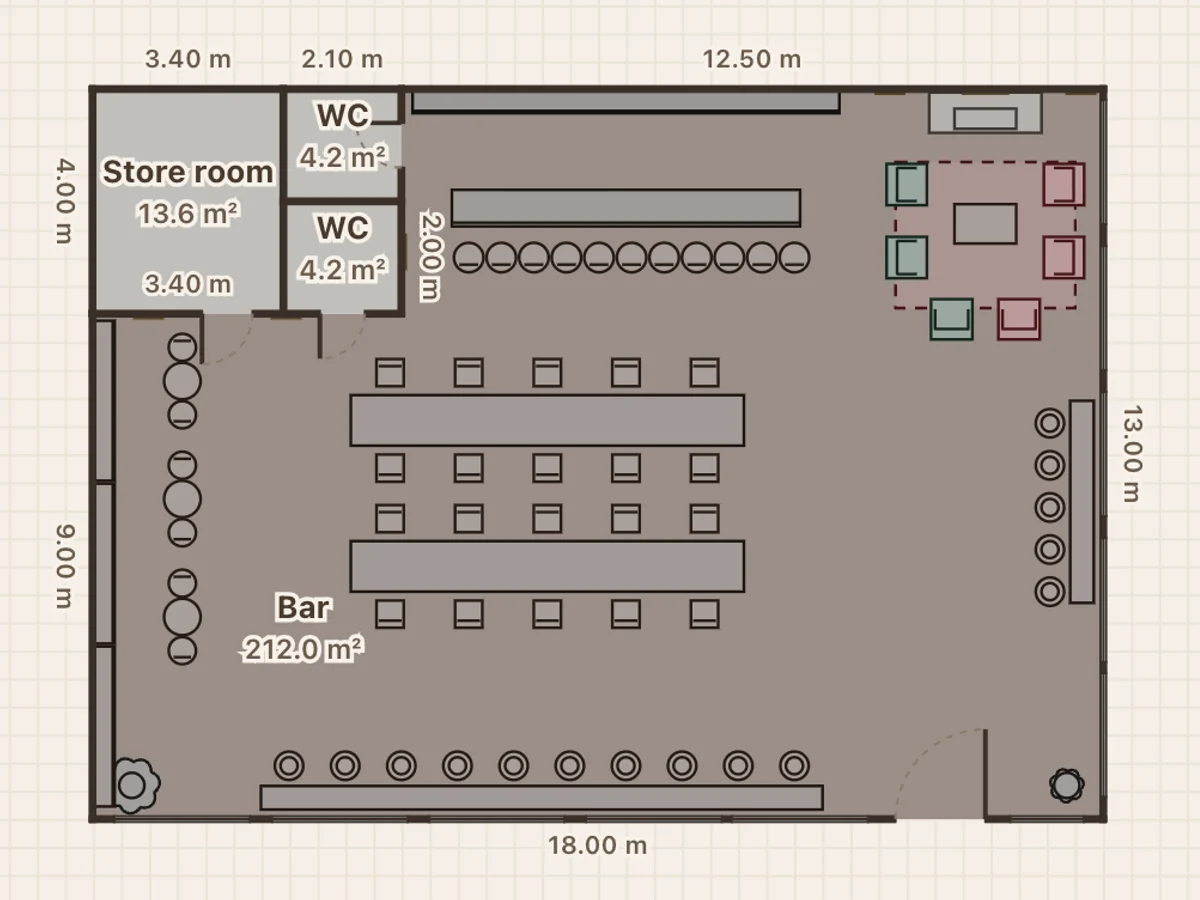
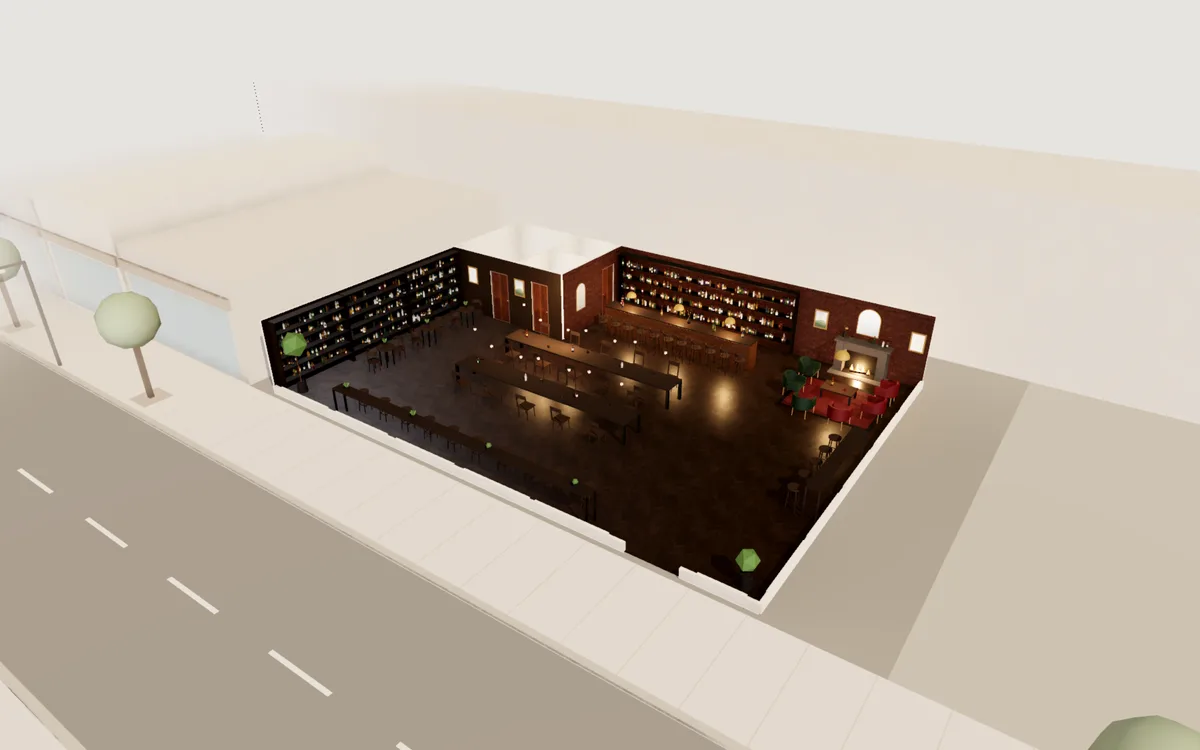 Bar · Dark tavern bar
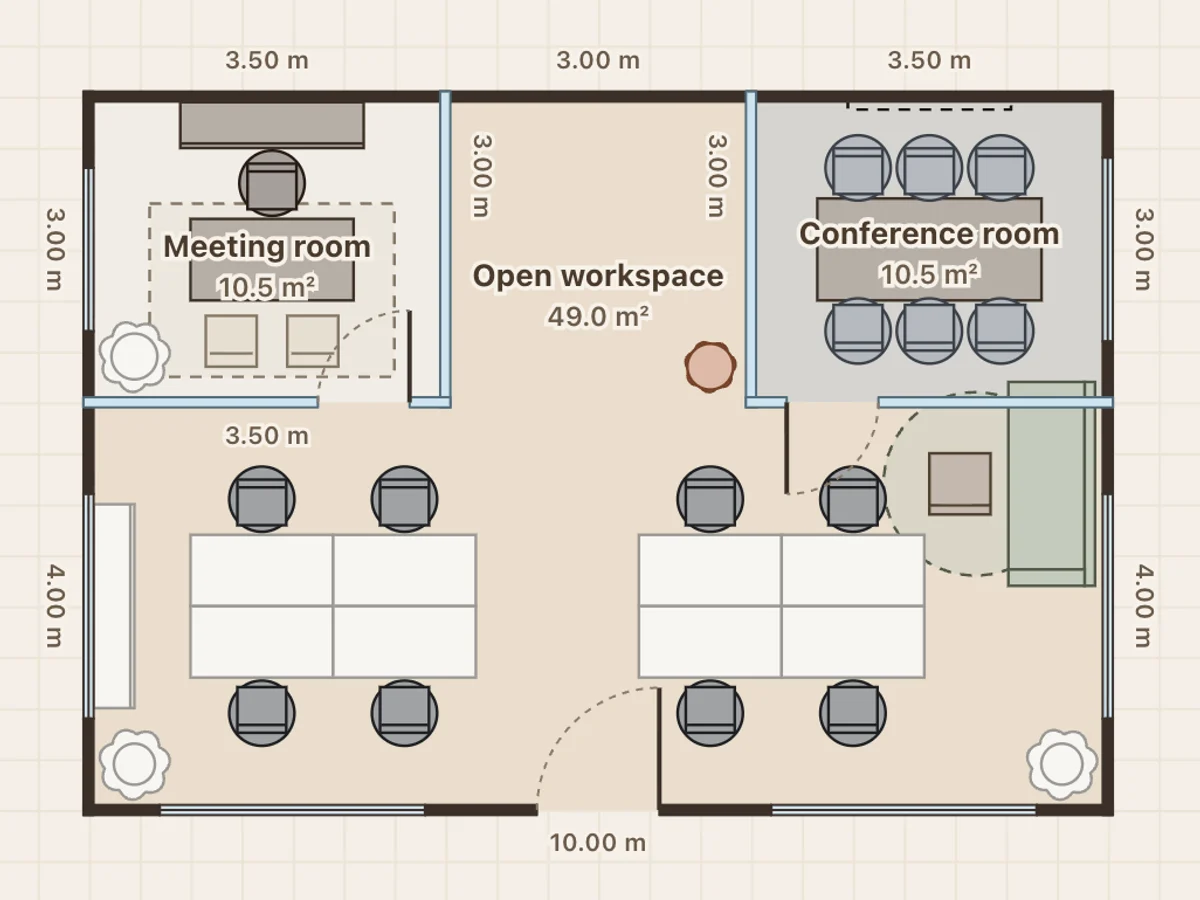
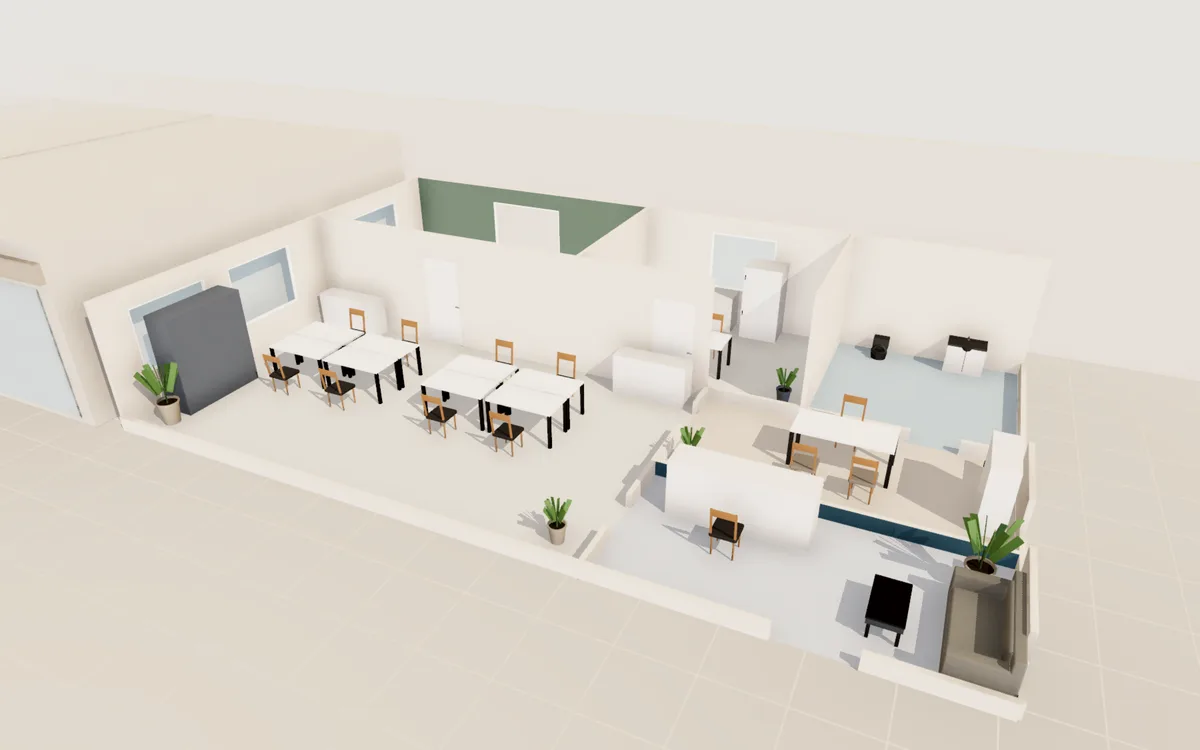
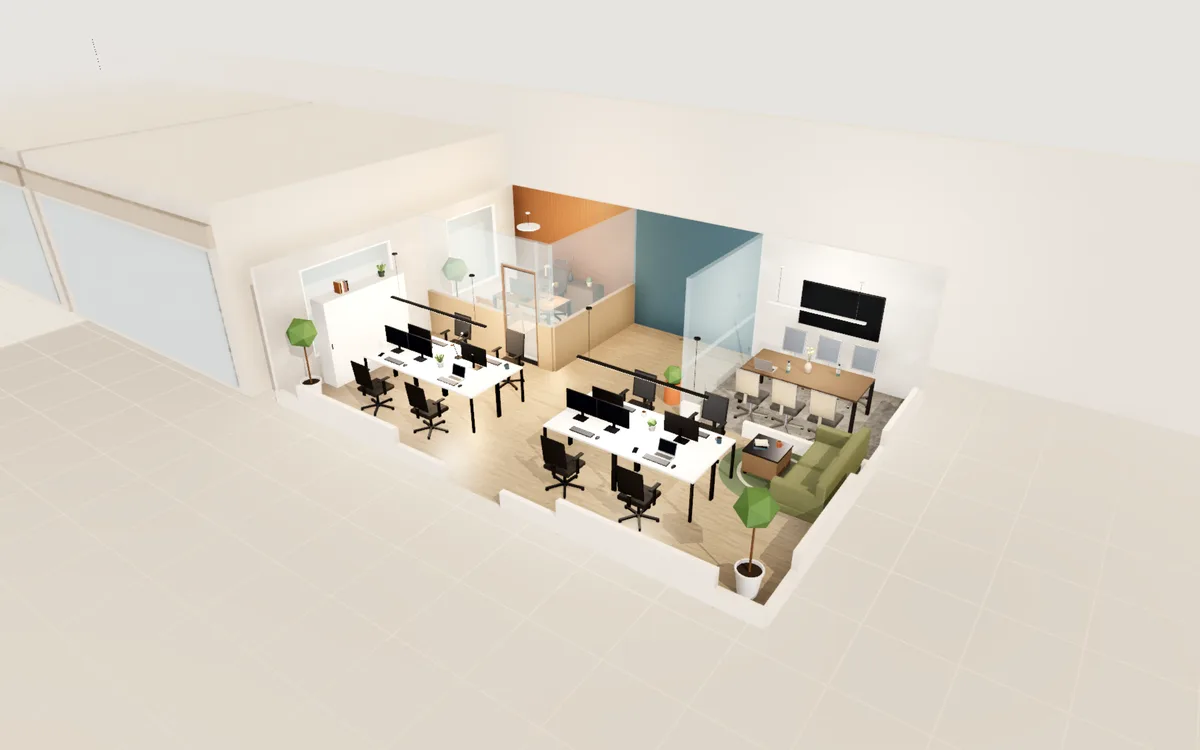 Office · Open-plan office
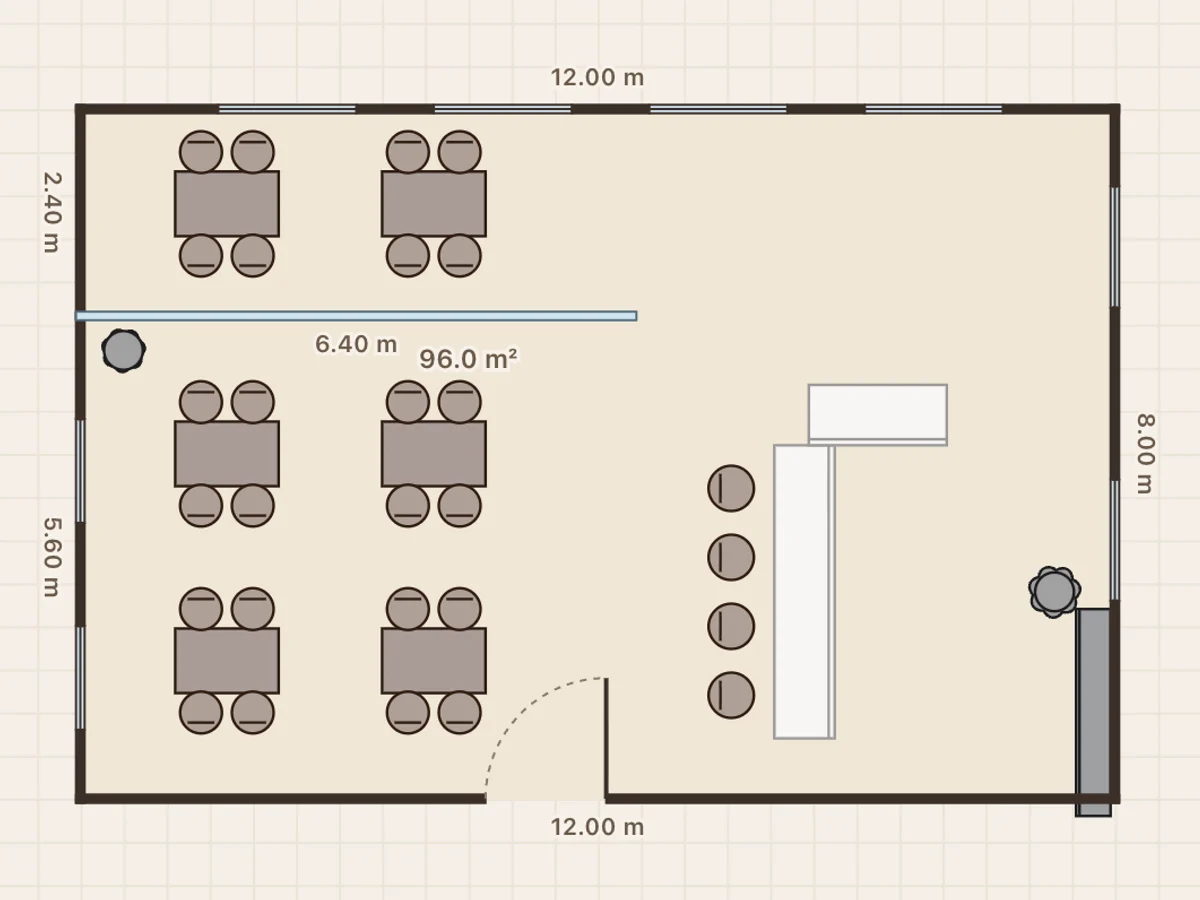
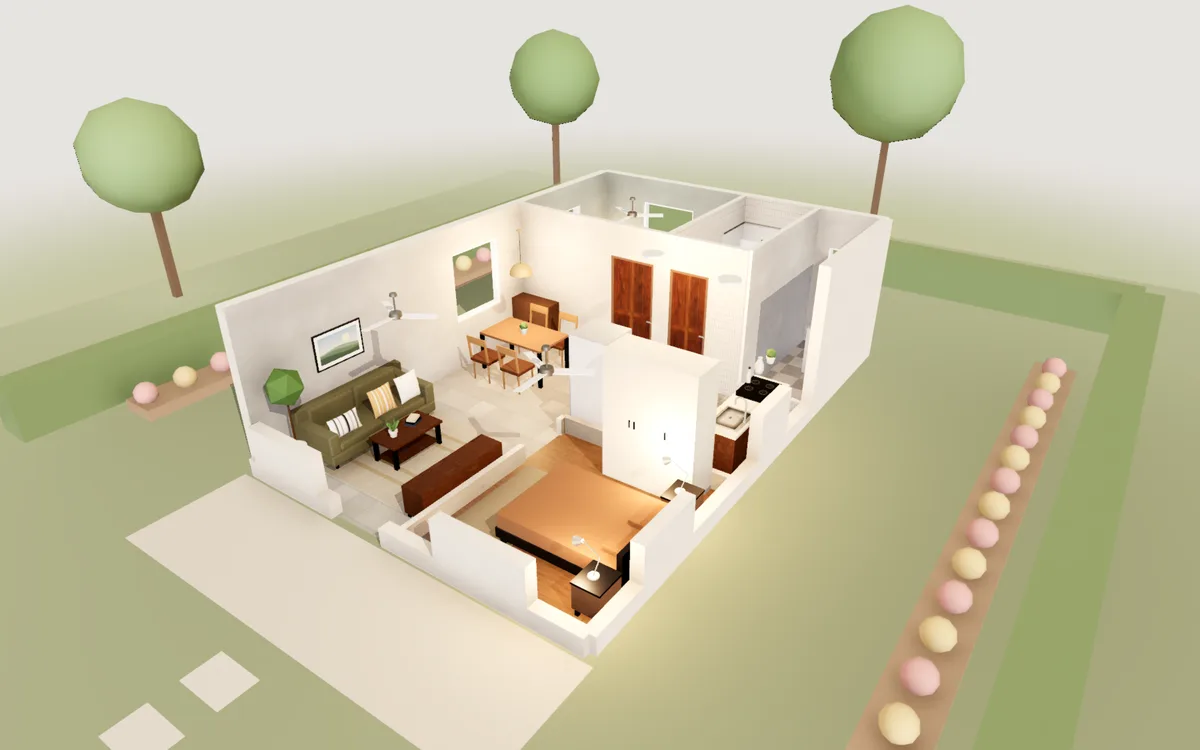
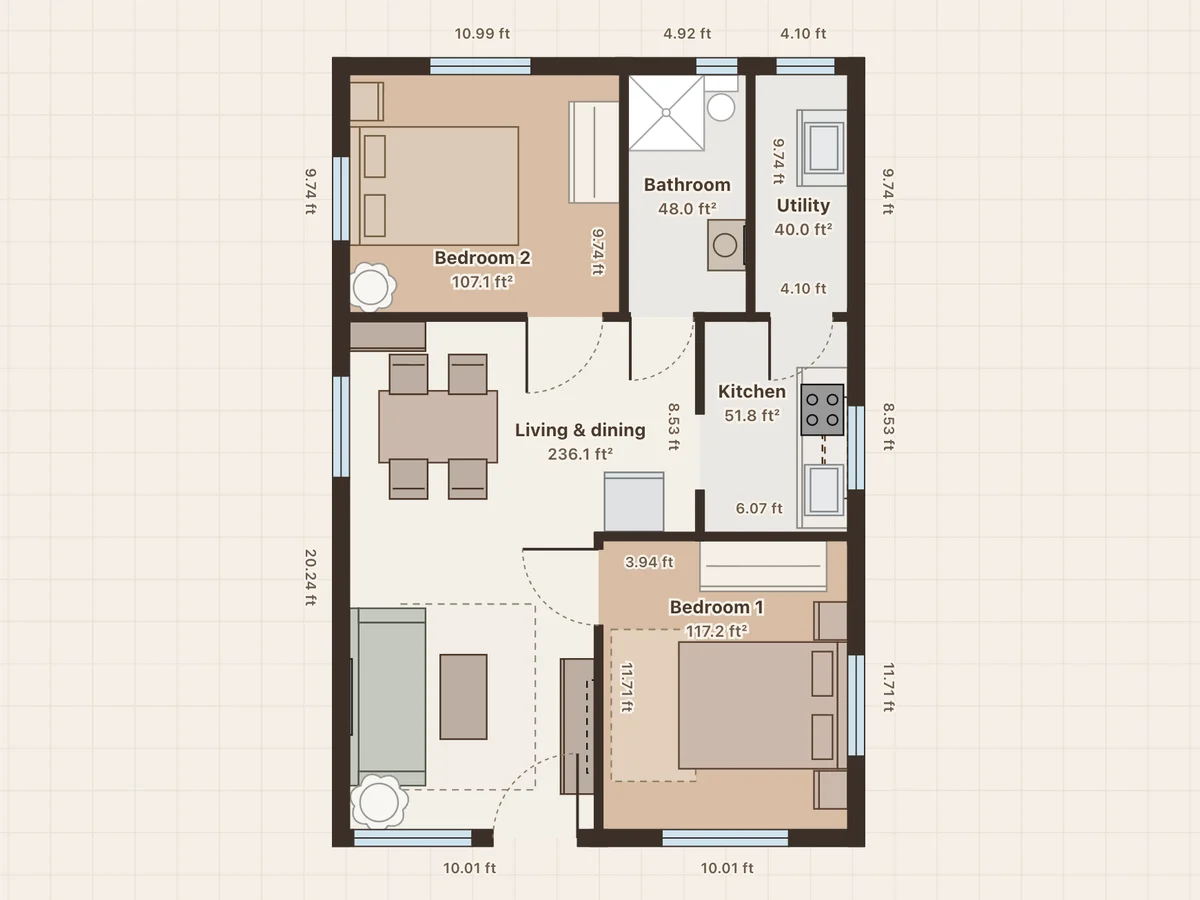
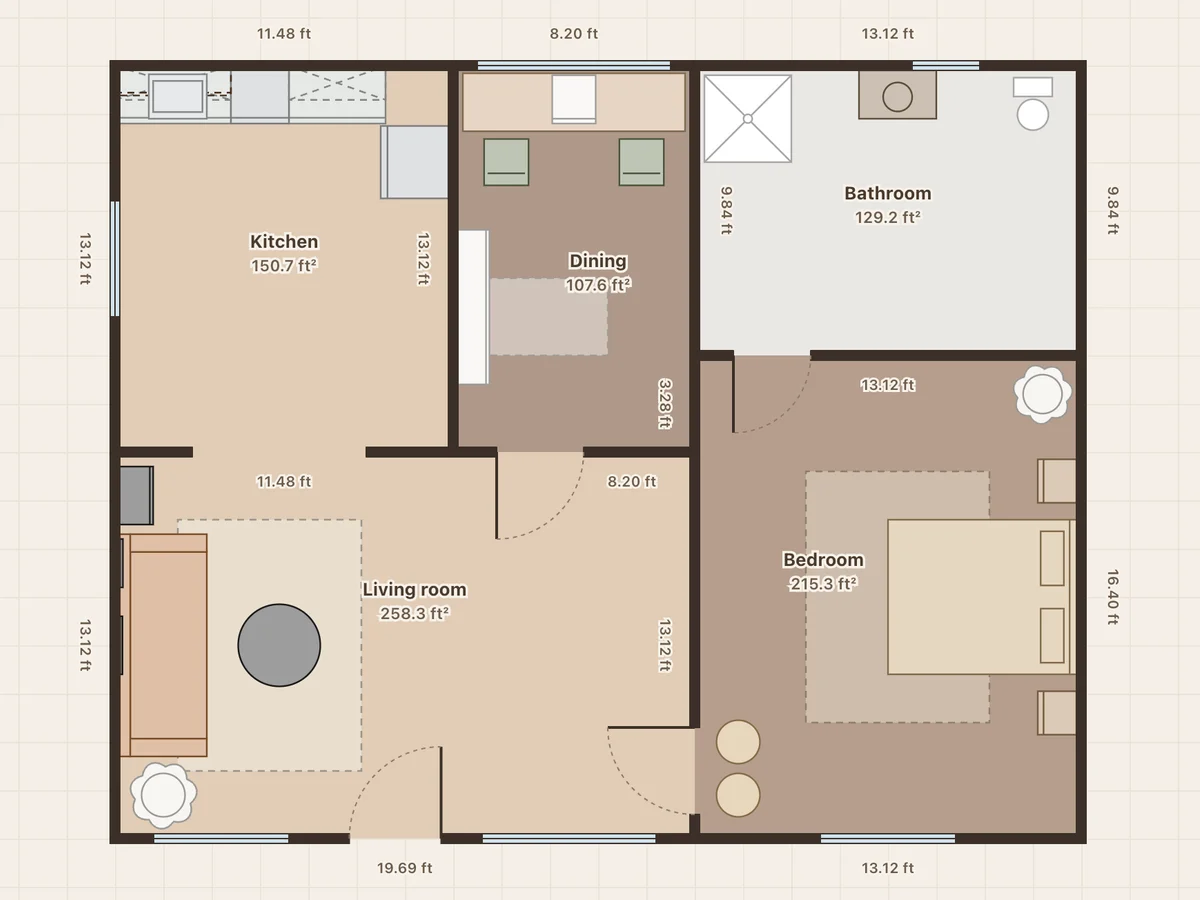
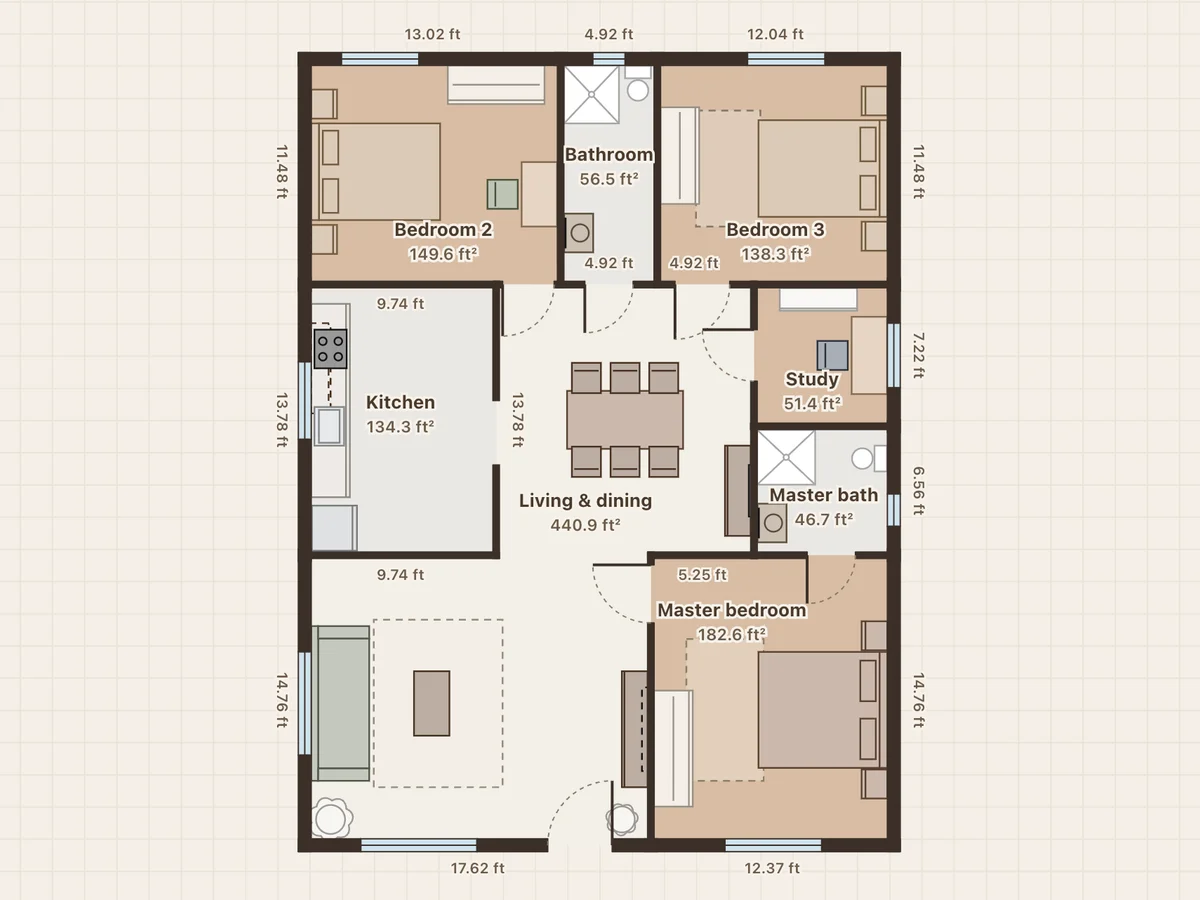 Home · 3BHK on a 30×40 plot · floor plan
Café & coffee shop
Planning tips and all designs →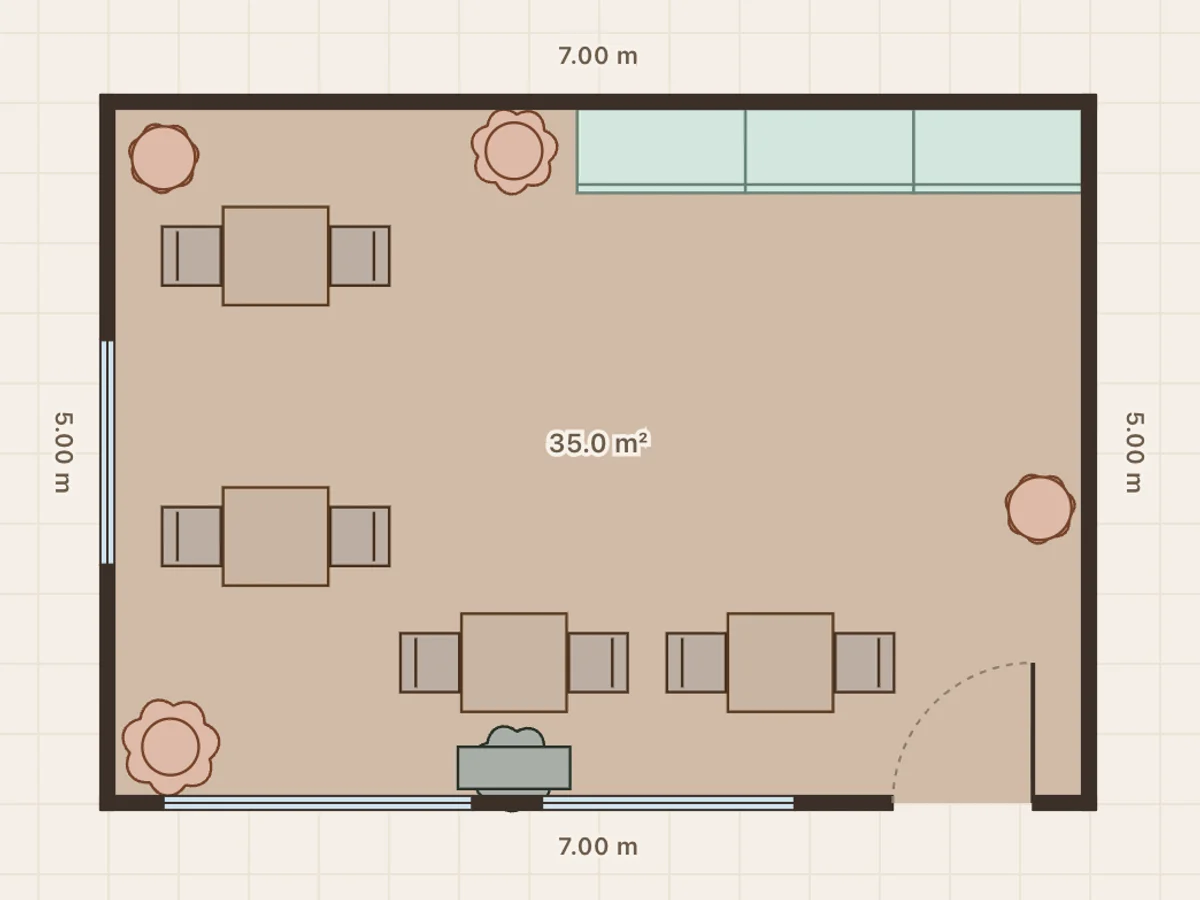
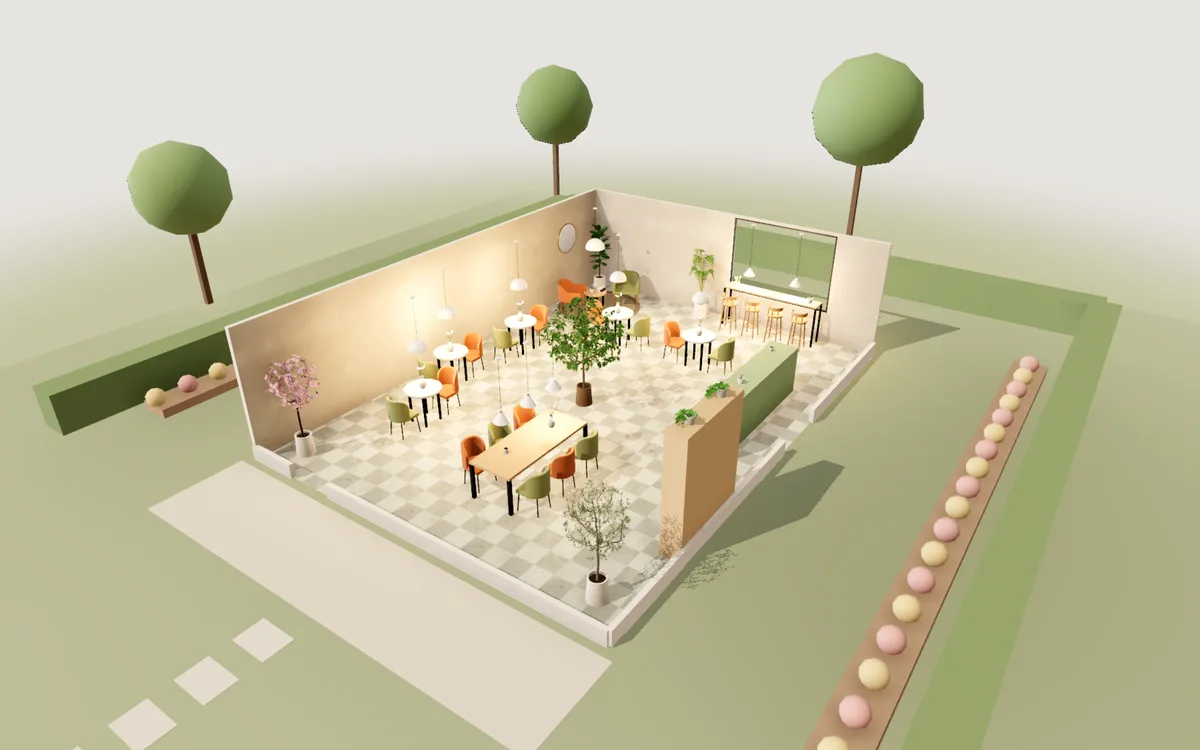
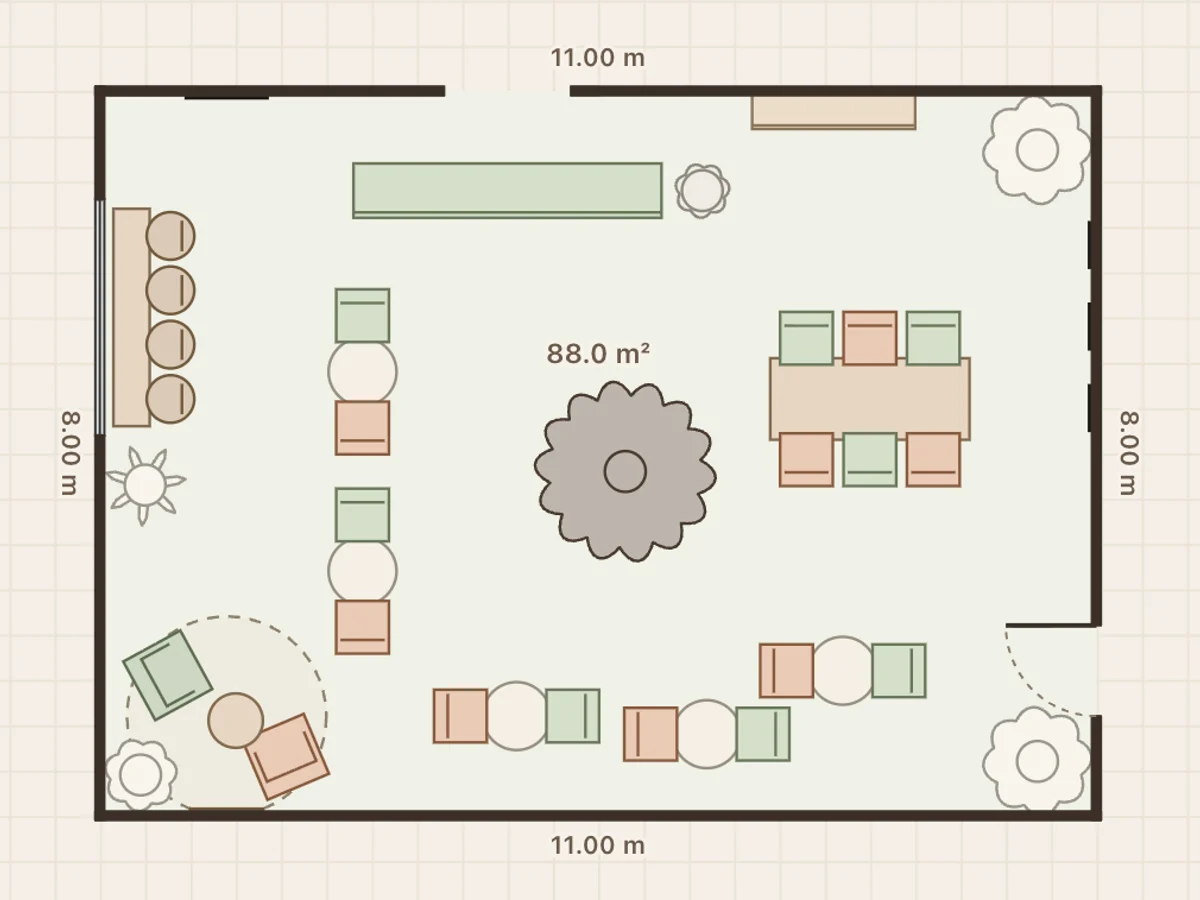
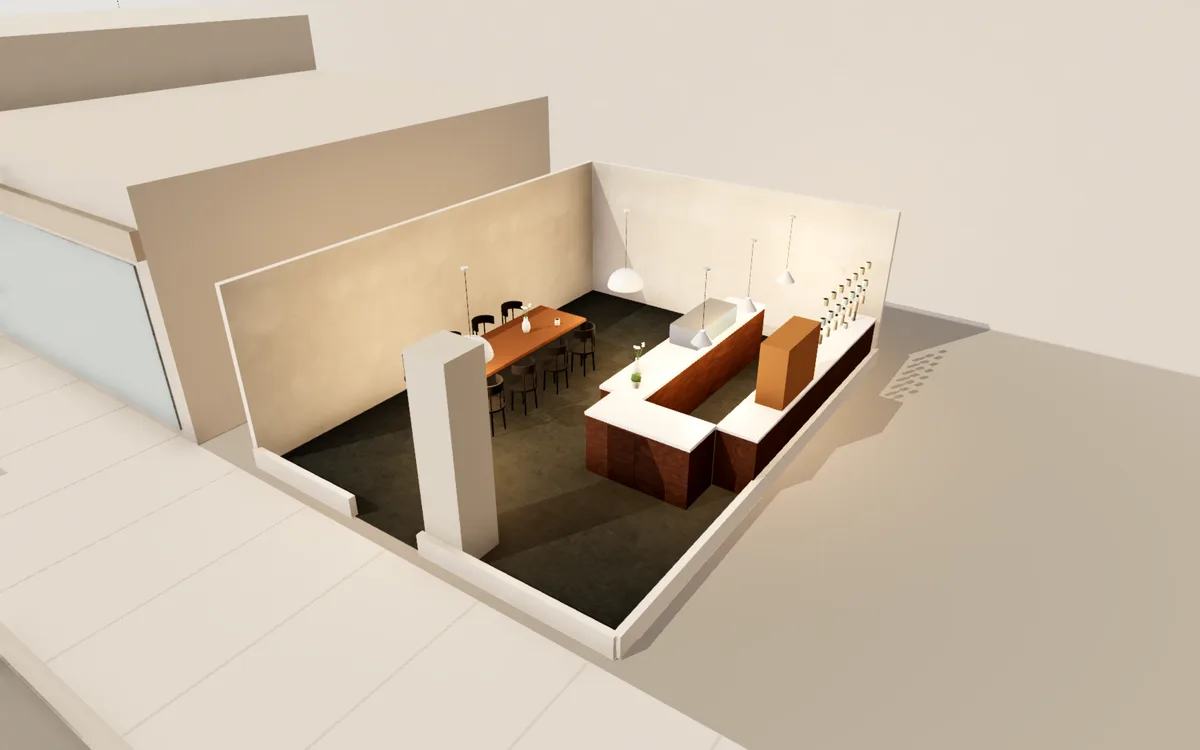
Restaurant & bar
Planning tips and all designs →- See all 3 restaurant & bar designs →
Draw your own
Start from a blank room, trace over a photo of your plan and furnish it from scratch.
Start blank
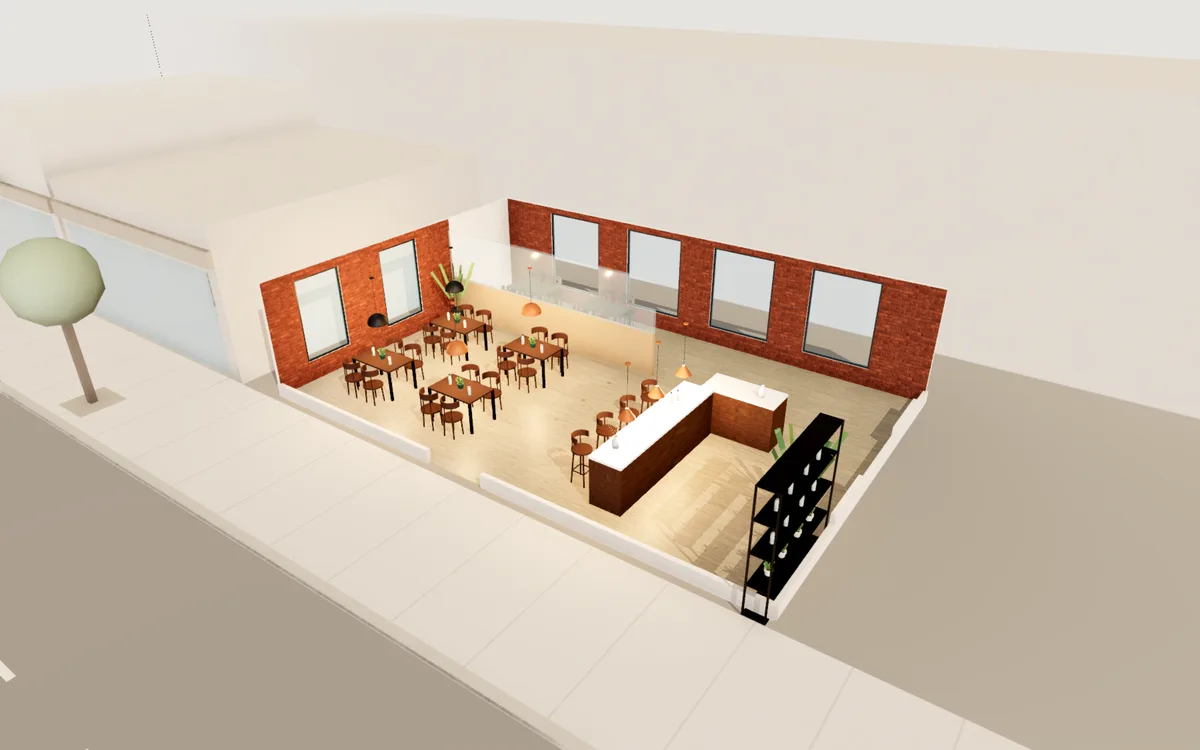
Draw your own
Start from a blank room, trace over a photo of your plan and furnish it from scratch.
Start blank
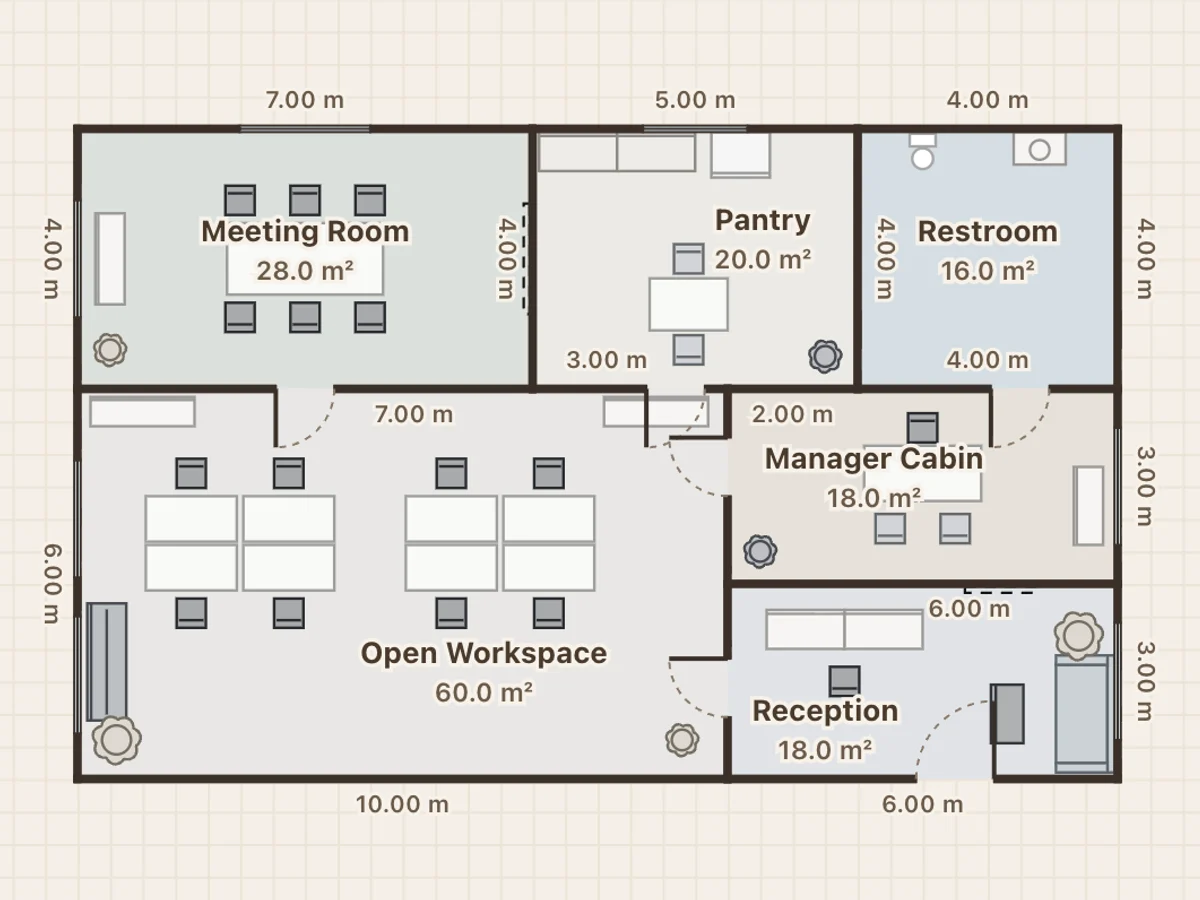
House & home
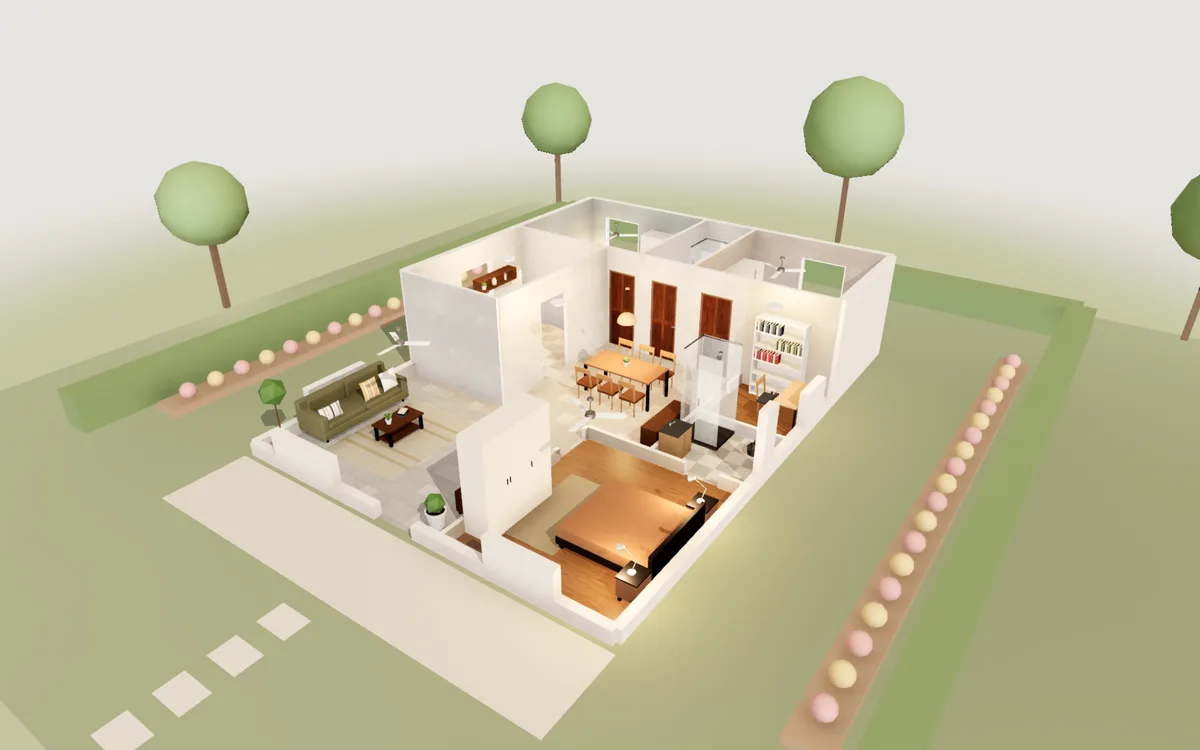
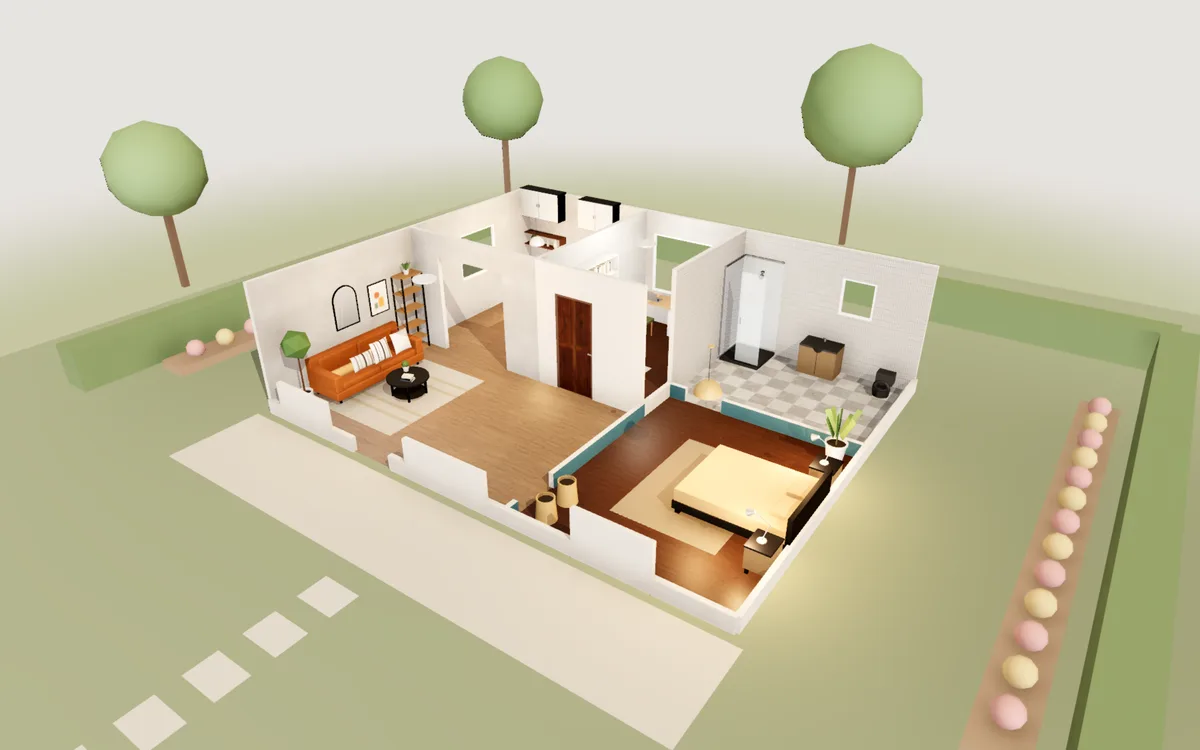
Planning tips and all designs →- See all 3 house & home designs →
Draw your own
Start from a blank room, trace over a photo of your plan and furnish it from scratch.
Start blank
What you can do in the editor
Furniture with real parameters
Select a piece and pull a face of its bounds box. The model re-solves itself as it stretches — a sofa re-splits its cushions to keep every seat a sensible size, a bathtub grows without thickening its shell.
Cabinets you design front-first
Open any cabinet in the front editor: split it with partitions, make a face a door or a drawer, then walk up in Explore and pull it open — drawers slide out with a real box inside.
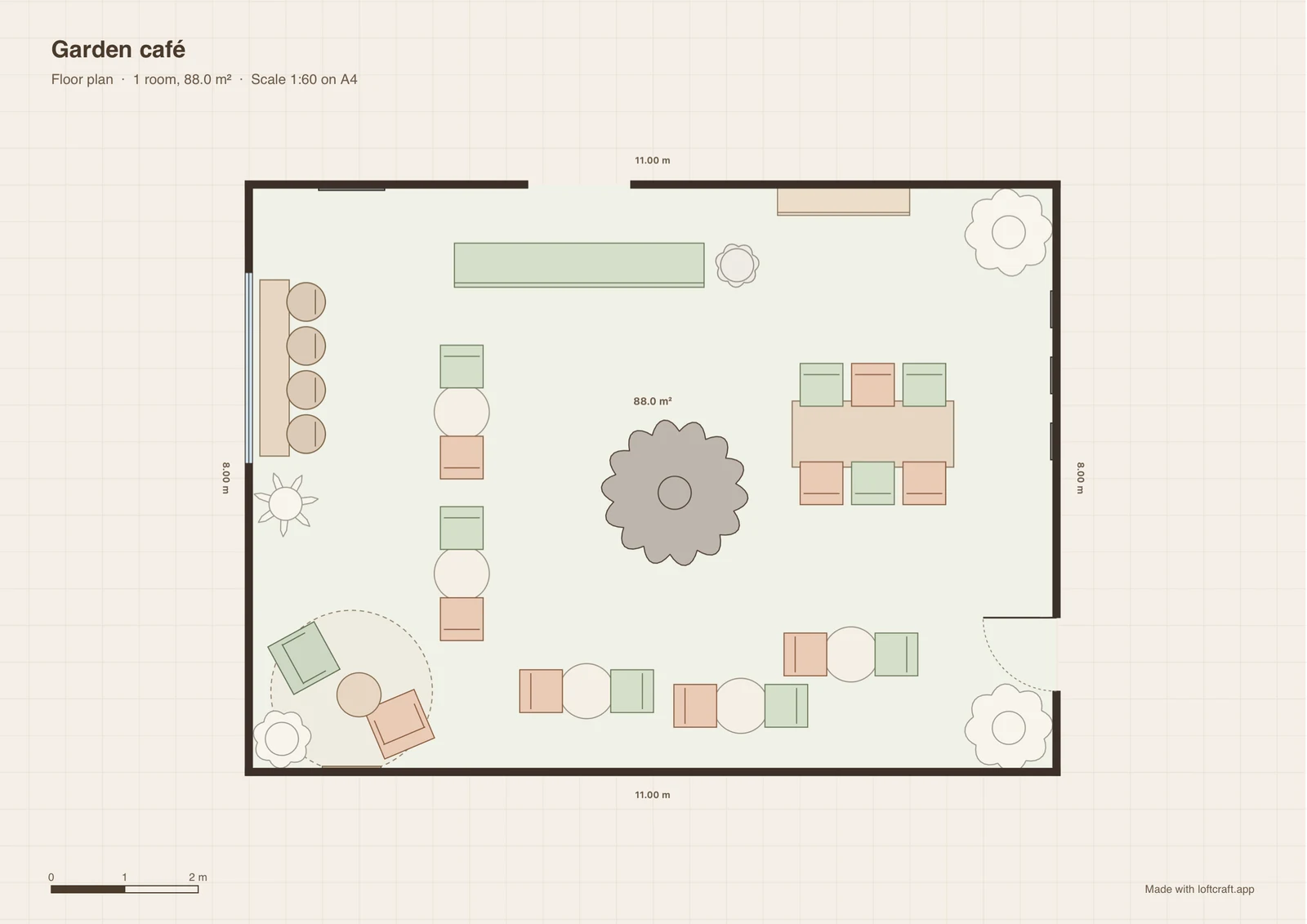
Export a floor plan to print
Export PDF turns your design into an A4 sheet, drawn just as you see it in Plan: walls, doors, furniture, room areas and wall lengths, in metres or feet. It prints at a true scale like 1:50, with a scale bar, ready to send to a builder or landlord.
And the rest
- ·Close a wall loop and the floor appears by itself
- ·Doors and windows cut real openings
- ·Walk through your rooms in Explore mode
- ·Trace over an uploaded floor plan image
- ·Download photo-real renders as PNG
- ·50 steps of undo