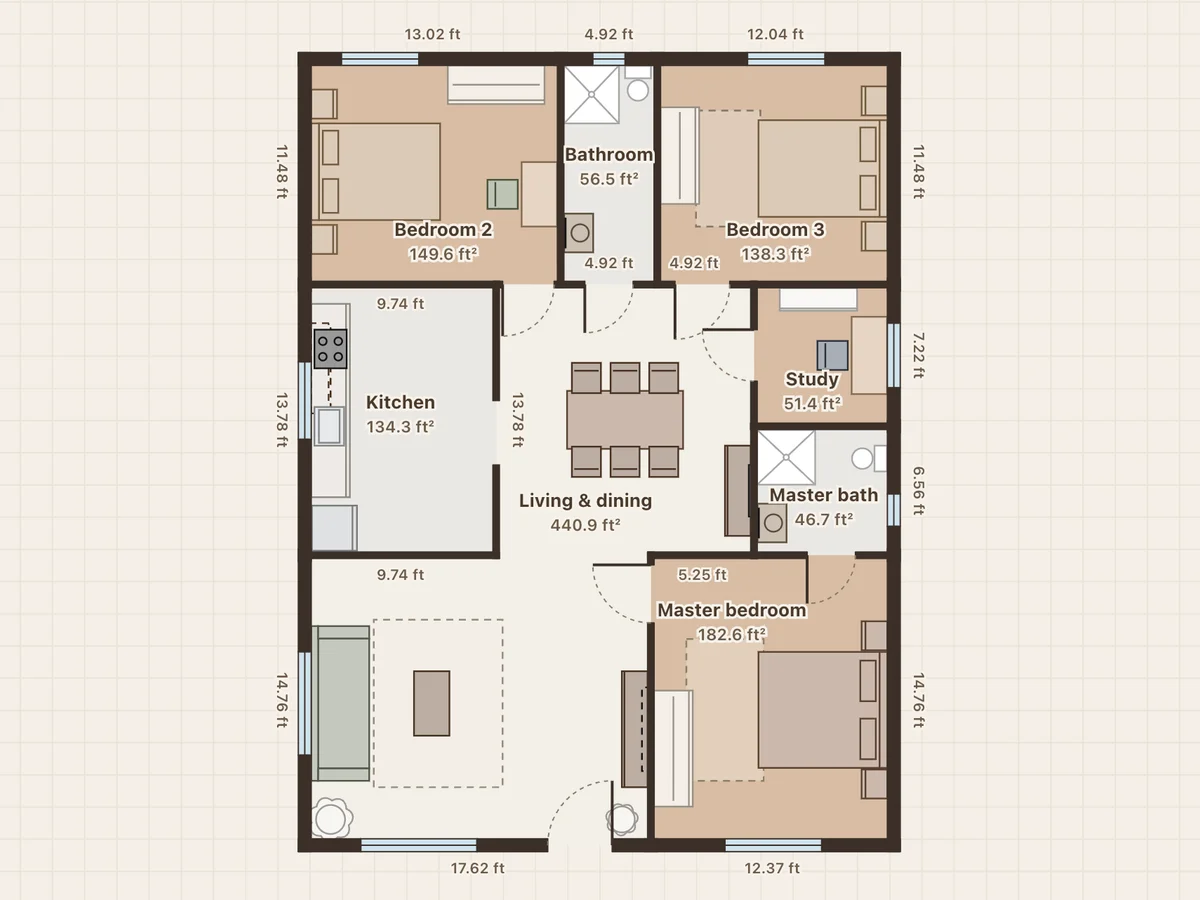
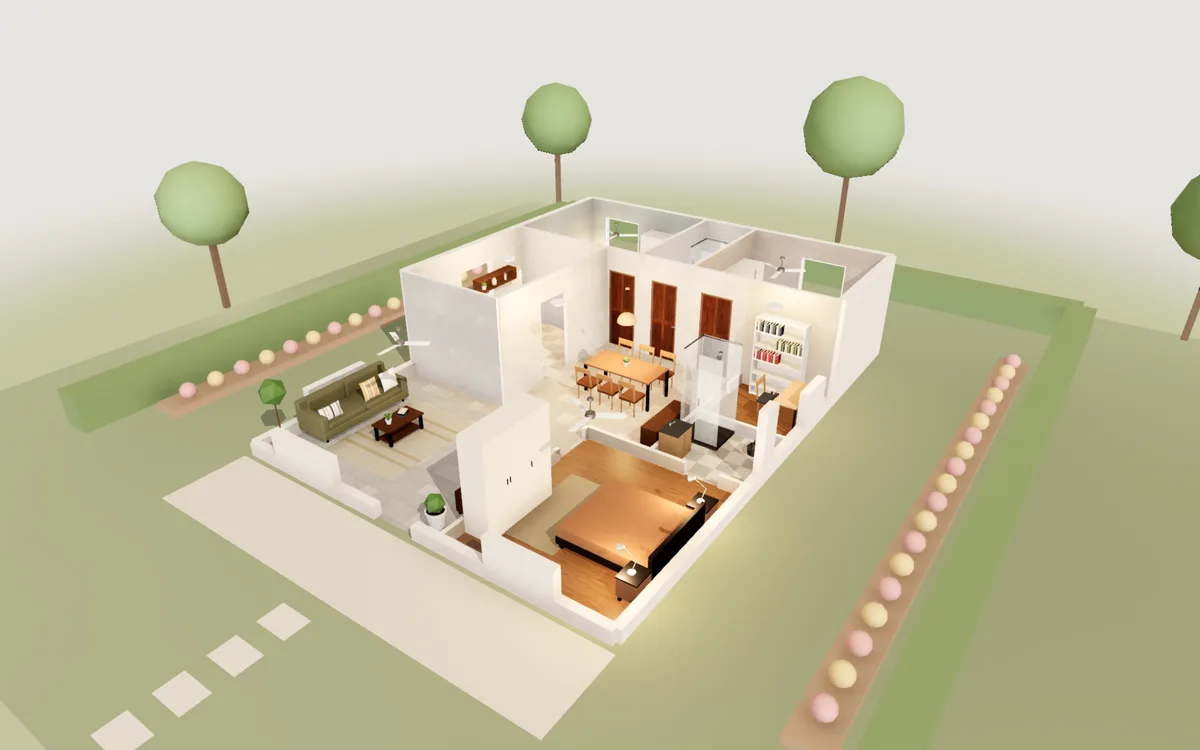
3BHK on a 30×40 plot
30×40 ft plot · 1,200 ft² · 3 bedrooms · 2 baths · study
A large living and dining hall, a master bedroom with its own bathroom, two more bedrooms, a common bathroom, a study and a separate kitchen.
Free floor plan maker
Loftcraft opens on a clean 2D floor plan. Click the corners of each room to draw the walls, add doors and windows, and the plan writes every wall length and each room’s area for you. Switch to 3D whenever you want to see it standing, and export an A4 PDF when it is done.
Free · No sign-up · Runs in your browser
On a phone you can view the plan and walk through it. Editing needs a computer.
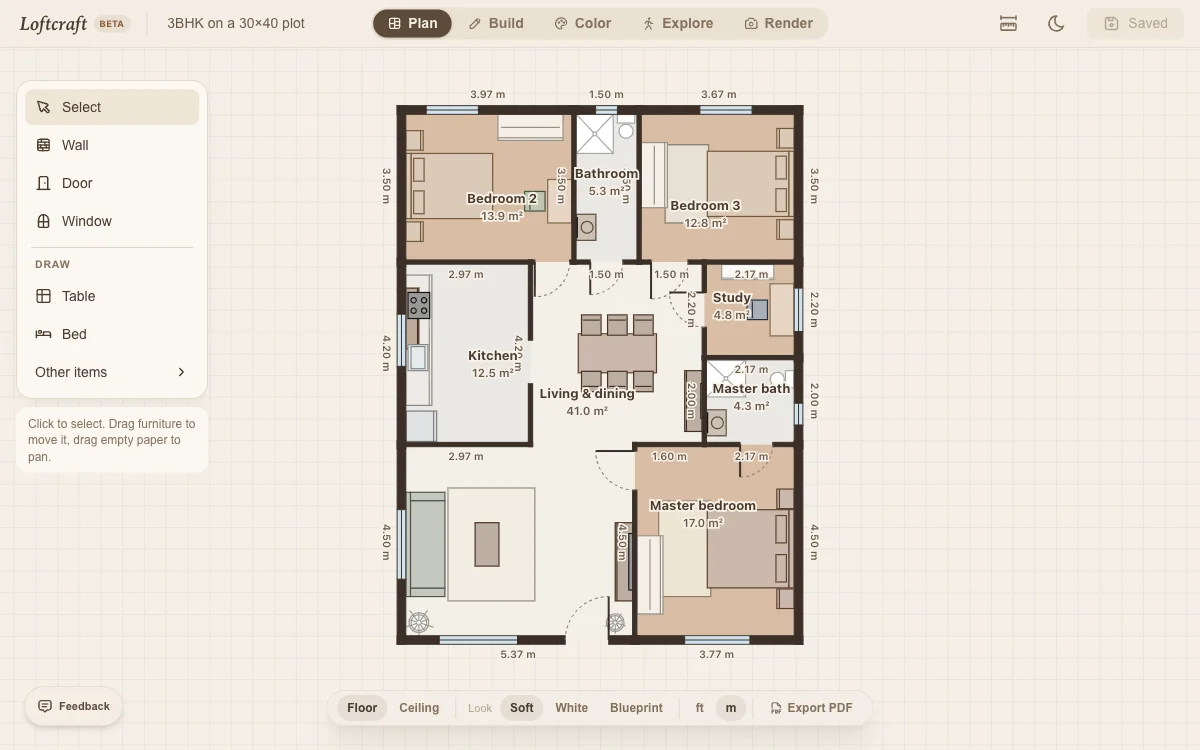
Click each corner. Corners snap to each other and to straight angles, and the length shows as you go. Click the first corner again to close the room and its floor fills in.
Point at a wall to add a door or a window. Drag a rectangle to draw a table, bed or sofa at exactly that size.
Switch to Build or Explore to see the same plan in 3D and walk through it. Export PDF gives you an A4 sheet with dimensions and a scale bar.
Measure wall to wall at floor level and note where each door and window starts from the nearest corner. Draw the outer walls first as one loop, then the inner walls.
Outer brick walls are often 23 cm (9 in) thick and inner walls 10 to 15 cm (4 to 6 in). New walls are drawn 10 cm thick; select a wall in Build to change it.
One metre is 3.28 ft and one square metre is 10.76 ft². Switch the plan between ft and m at any time: the drawing stays the same, only the labels change.
A 3 × 3.6 m (10 × 12 ft) bedroom fits a queen bed and a wardrobe. Leave at least 1 m in front of a kitchen counter, and allow about 1.5 × 2.1 m (5 × 7 ft) for a small bathroom.
This is a floor plan maker, not a floor plan generator. You draw the rooms, so the plan matches your site. To start faster, open one of the sample plans below and change it.
30×40 ft plot · 1,200 ft² · 3 bedrooms · 2 baths · study
A large living and dining hall, a master bedroom with its own bathroom, two more bedrooms, a common bathroom, a study and a separate kitchen.
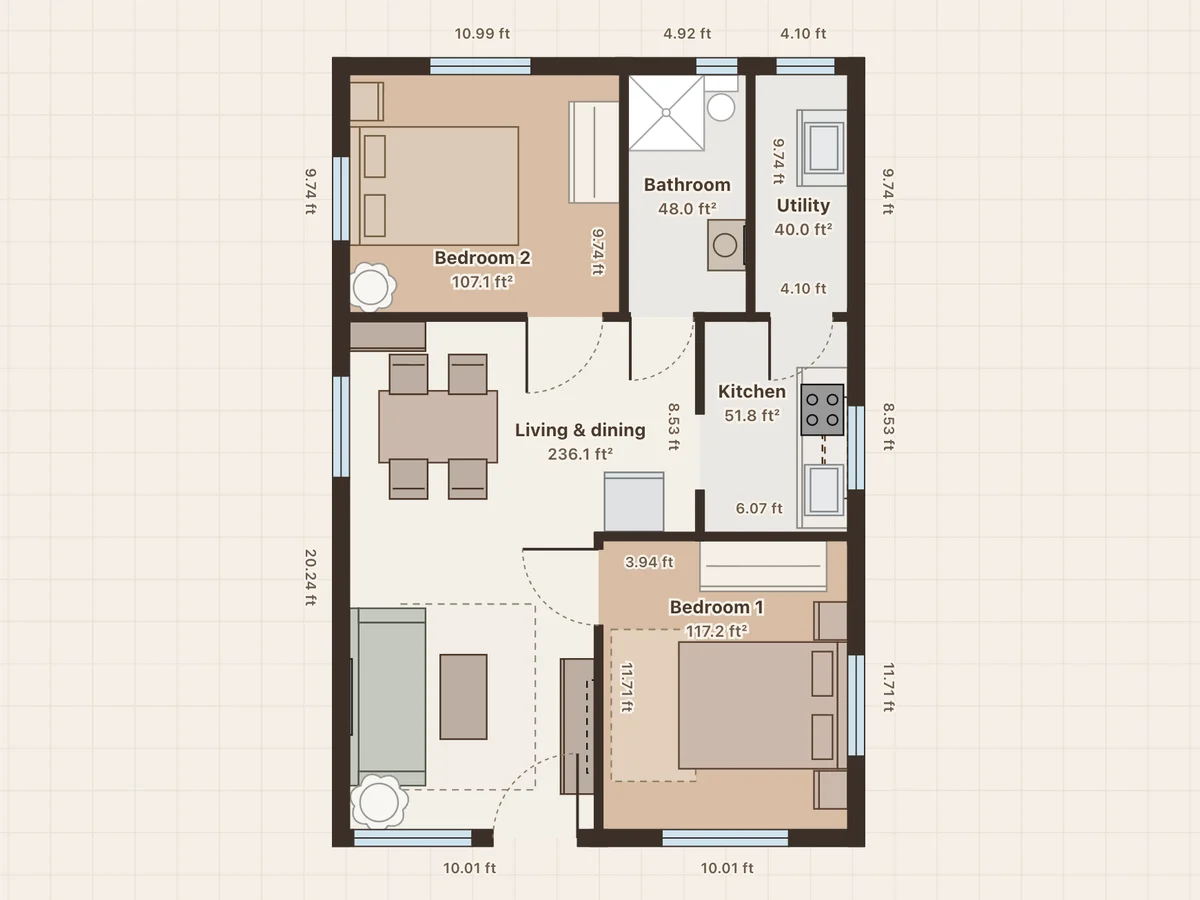
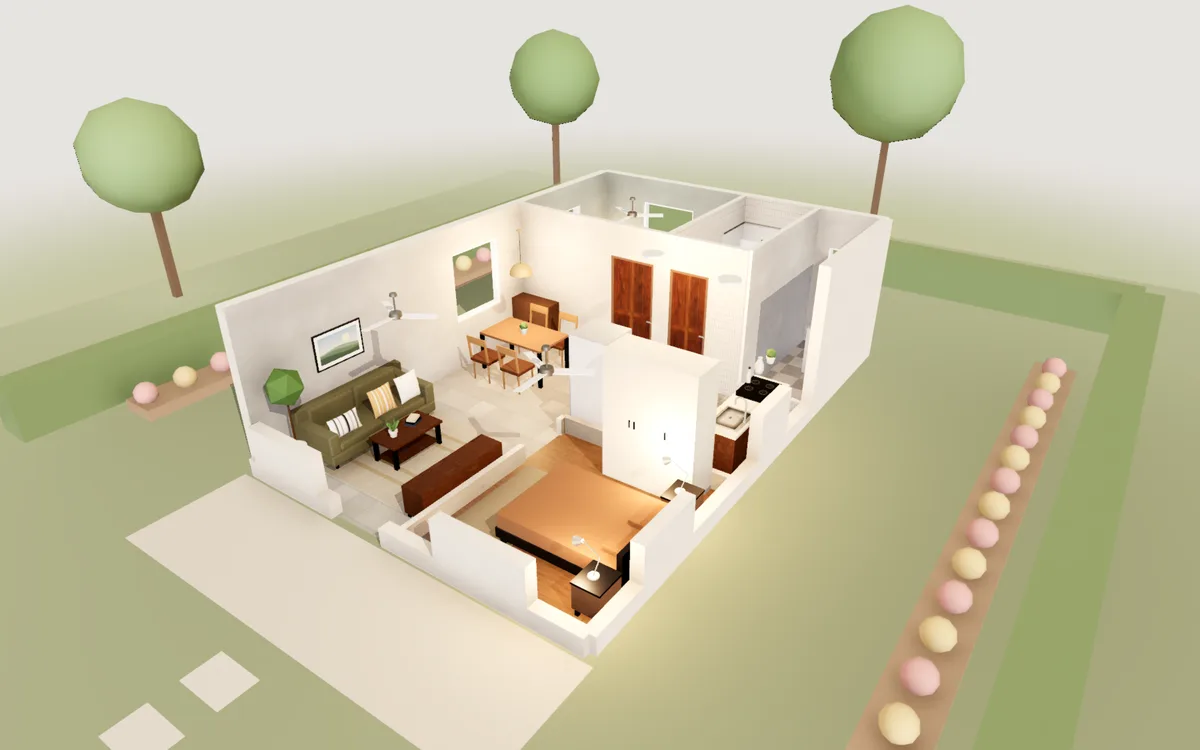
20×30 ft plot · 600 ft² · 2 bedrooms · 1 bath
The front door opens into one living and dining hall. A kitchen with a gas stove and a utility area at the back, two bedrooms with wardrobes and one bathroom.
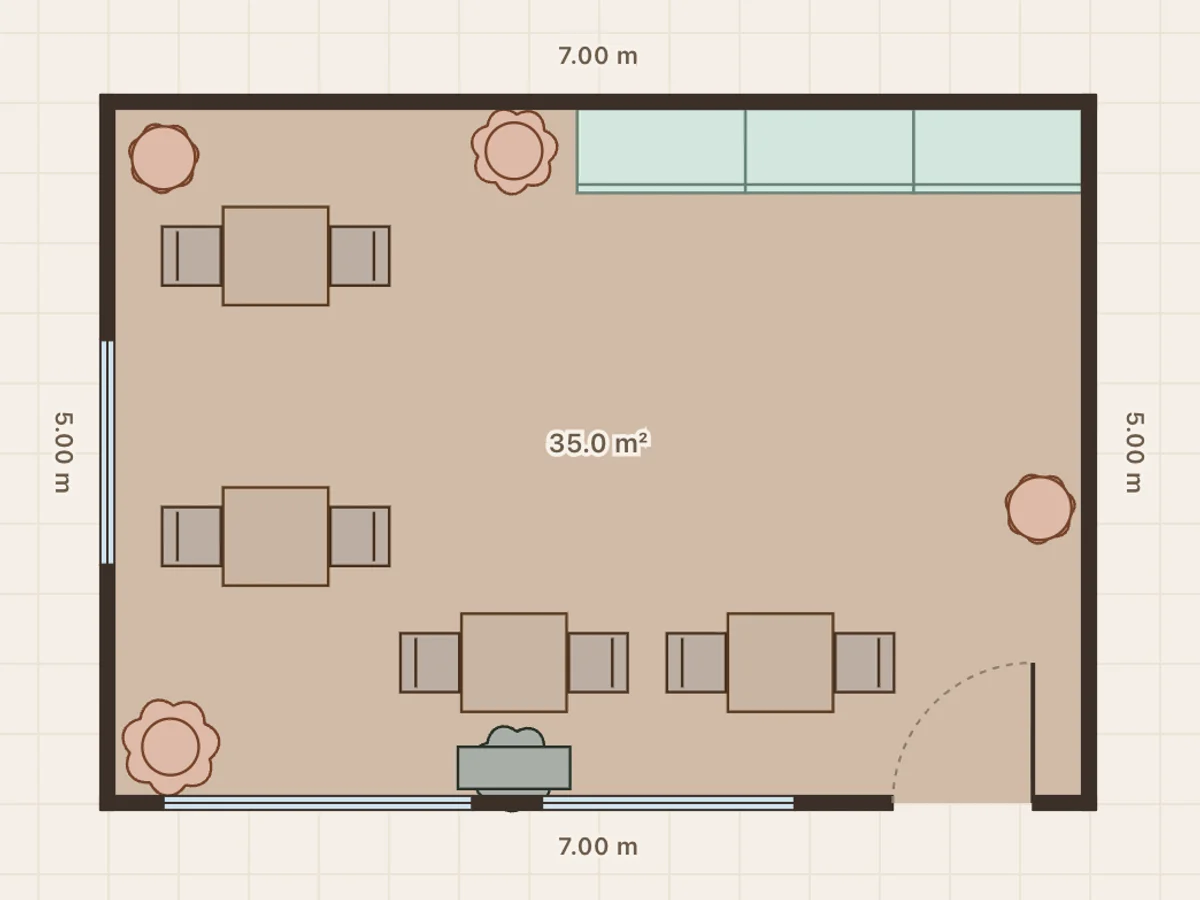
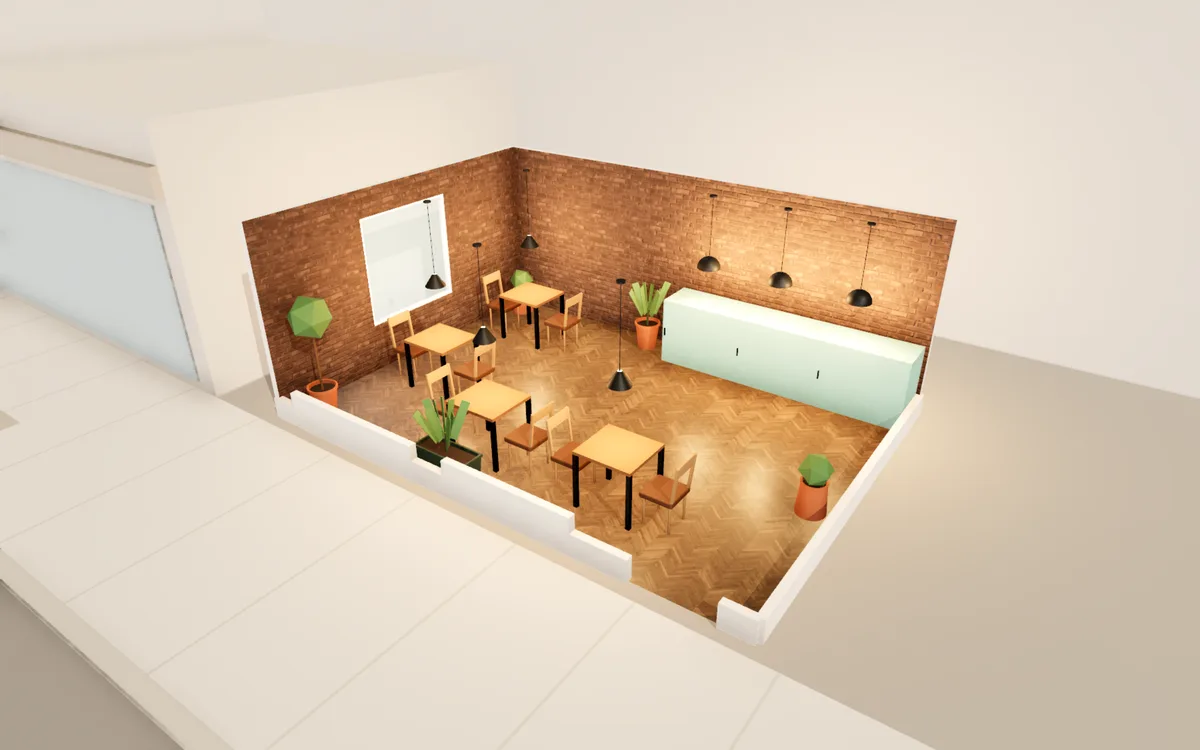
35 m² · 377 ft² · 8 seats
Exposed brick, a herringbone floor and a row of pendants over a pale green counter. Window tables at the front.
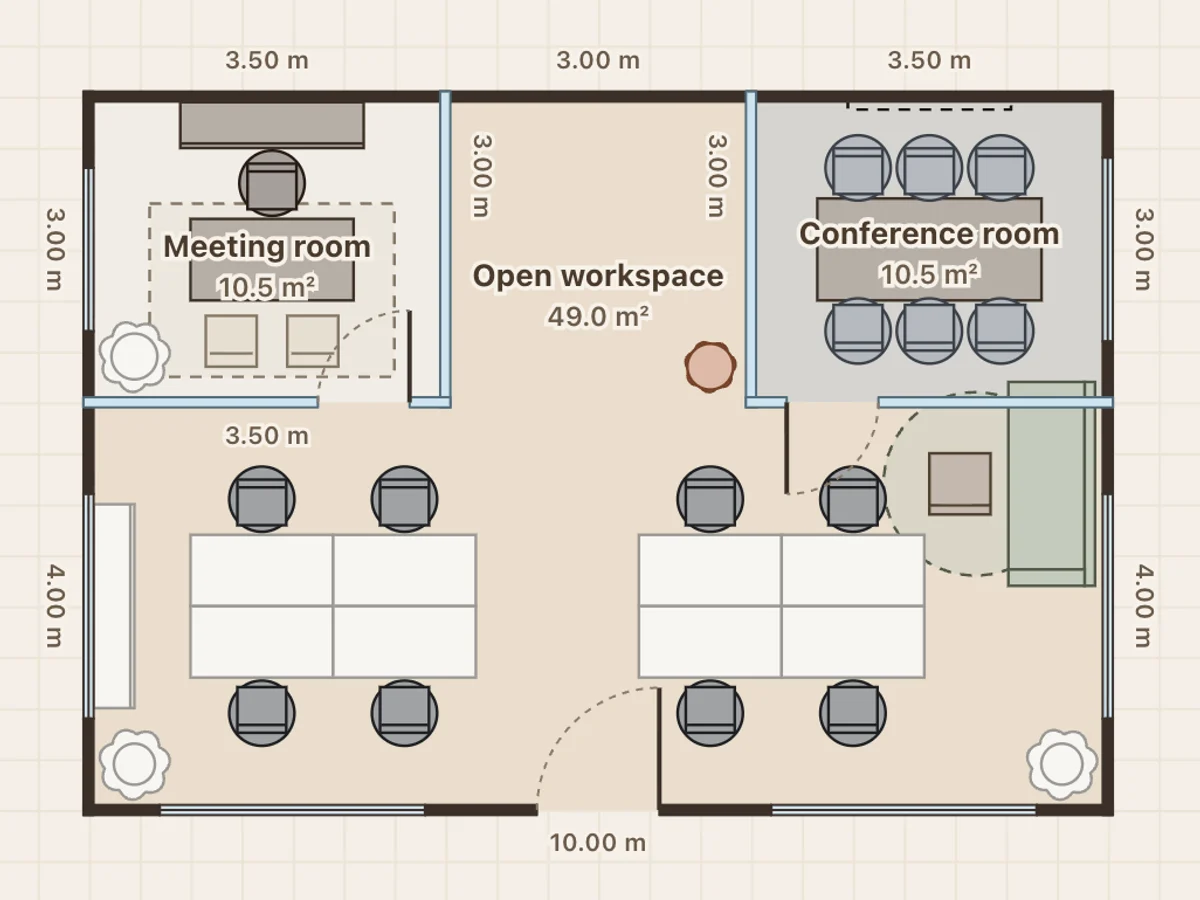
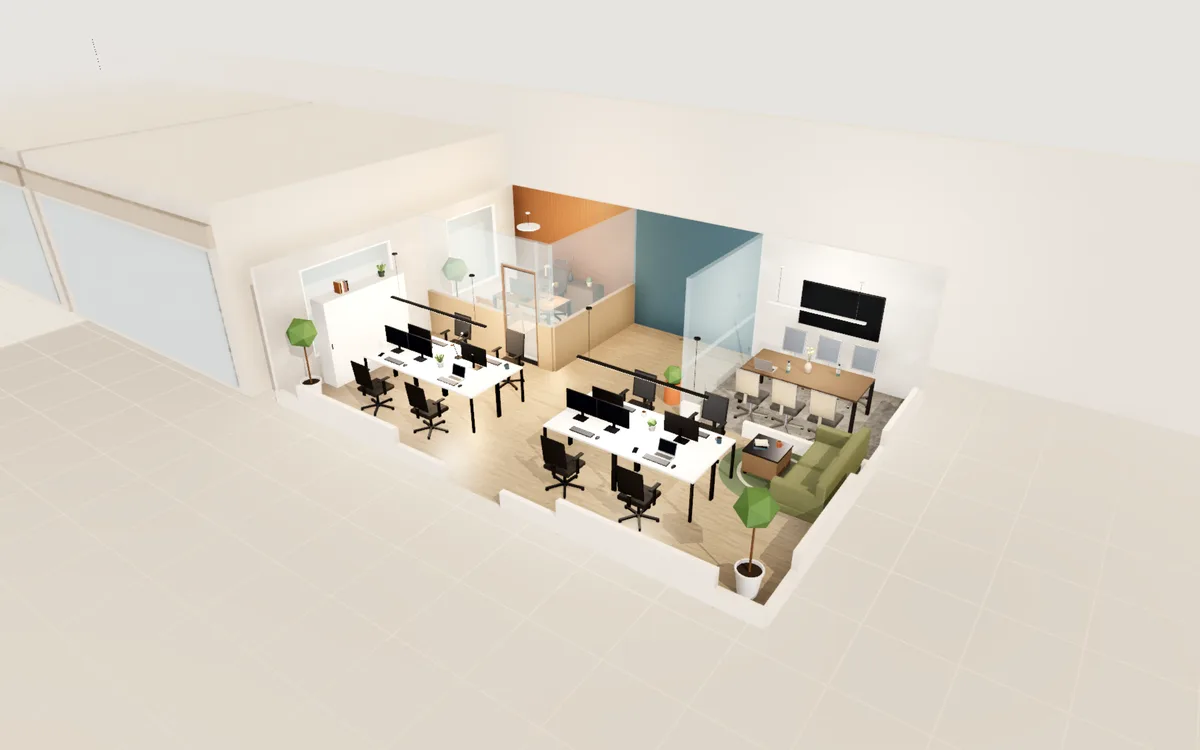
70 m² · 753 ft² · 8 desks + meeting room
Two desk clusters with monitors, a glass meeting room with a screen, a manager’s cabin and a lounge corner.
Yes. Drawing, the 3D view, walking through, PDF export and photos are all free, with no trial period and nothing to unlock.
No. There is no account. Your projects are saved in this browser on this computer as you work.
No. It runs in Chrome, Edge, Firefox or Safari on Windows, Mac, Linux and Chromebooks, on any computer with 3D graphics.
Drawing needs a mouse or a trackpad, so use a laptop or desktop. On a phone you can open any sample to see its floor plan and walk through it in 3D.
Yes. Export PDF makes an A4 landscape sheet with wall dimensions, room sizes, door swings and a scale bar, ready to print or send to your builder.
No. Plans stay in your browser. Nothing is sent to a server unless you choose to send feedback.